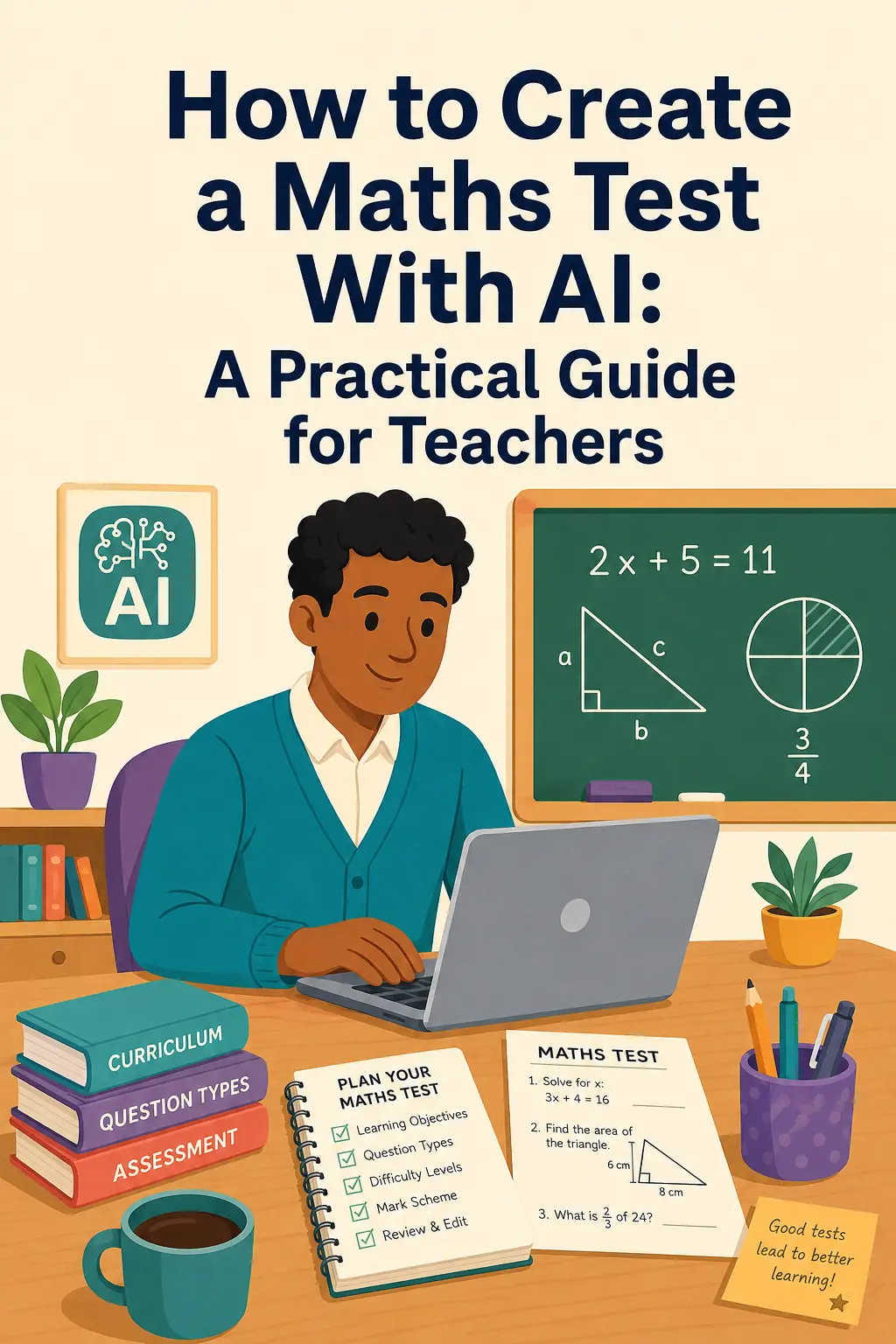
Creating a good maths test involves much more than choosing ten questions.
A classroom assessment needs to match what pupils have actually learned, include an appropriate range of difficulty, use clear mathematical notation and provide enough space for pupils to show their working.
AI can make the preparation much quicker.
The most effective approach, however, is not to hand the entire assessment process over to AI.
The teacher should decide what needs to be assessed.
AI can help with creating and formatting the assessment.
Start with the learning objective
Avoid beginning with something broad such as:
“Create a Year 8 maths test.”
Instead, identify exactly what pupils should demonstrate.
For example:
“Pupils should be able to solve linear equations with an unknown on one side.”
Or:
“Pupils should be able to calculate percentage increases and decreases.”
This produces a much more focused assessment.
Specify the year group and topic
The same topic can look very different at different stages.
Fractions in Year 6 should not be assessed in the same way as algebraic fractions at GCSE.
Before creating the test, decide:
- year group; - topic; - skills being assessed; - number of questions; - approximate difficulty.
Include different levels of difficulty
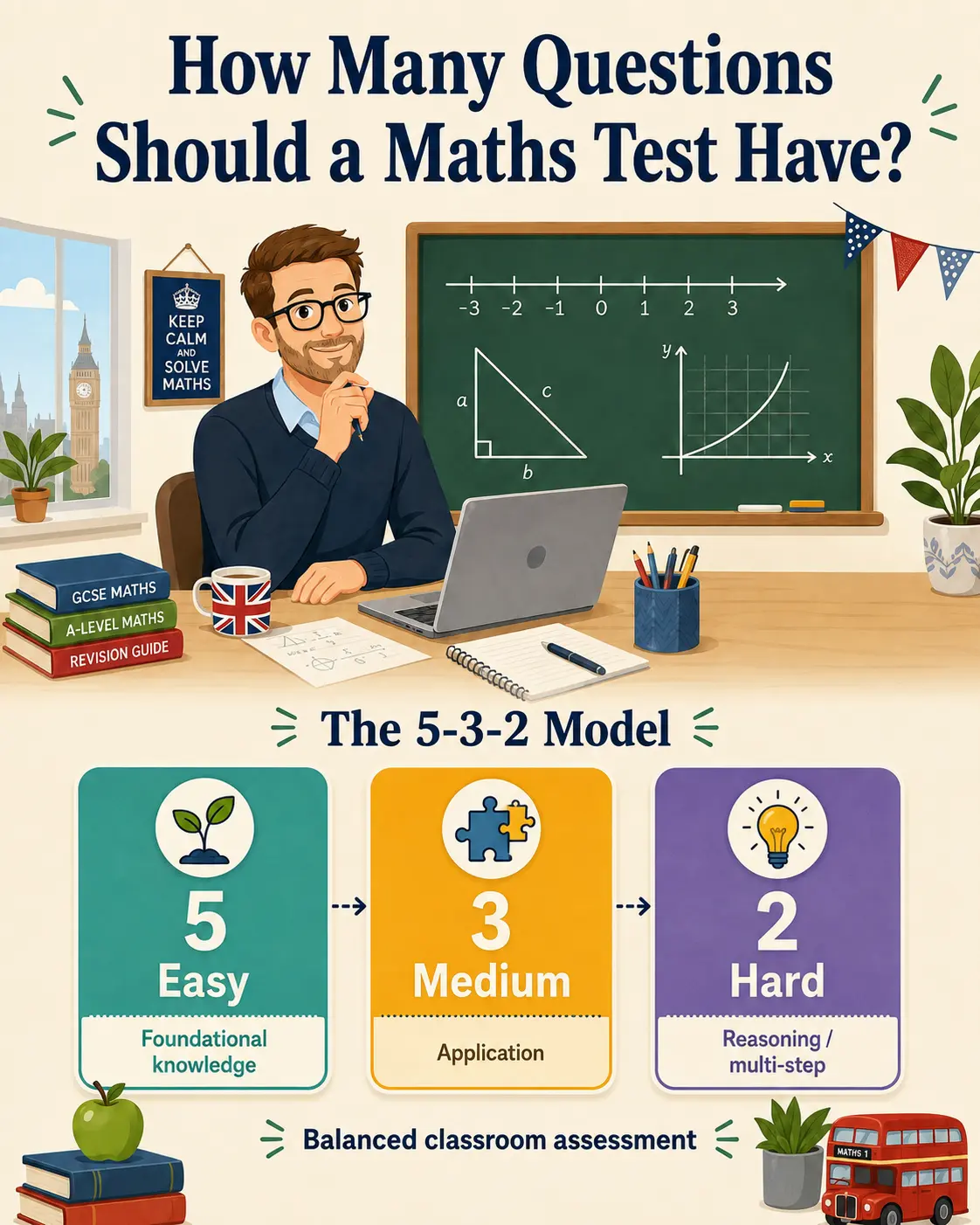
A useful short assessment might contain:
5 foundation questions
3 application questions
2 more challenging questions
The first section checks whether pupils understand the essentials.
The middle section asks them to apply those skills.
The final questions can require several steps, problem solving or deeper reasoning.
Review every AI-generated question
AI can save time, but teacher review remains essential.
Ask:
Is the mathematics correct?
Does the question match what was taught?
Is the wording unambiguous?
Is the difficulty appropriate?
Does the pupil have all the information required?
Check the answer sheet
A good maths answer sheet should often show more than the final answer.
For a multi-step problem, seeing the working makes it easier to understand the intended method and to award marks consistently.
Create a printable assessment
A collection of questions is not automatically a classroom-ready test.
A printable maths assessment needs:
- clear layout; - correct notation; - space for working; - sensible page breaks; - pupil name and date; - separate answers or worked solutions.
MathQuizily is designed around this process, allowing teachers to generate printable maths assessments with structured difficulty and answers.
AI should reduce preparation, not teacher judgement
The teacher determines:
What should pupils know?
AI can help with:
questions, variations, solutions and formatting.
That is where AI can make assessment preparation substantially faster.
Useful next steps
If you want to create a maths test with AI in a classroom-ready format, start with a clear objective and then refine the output with teacher review.
You can explore:
These three links support the full workflow from generation to classroom use and department-wide access.